


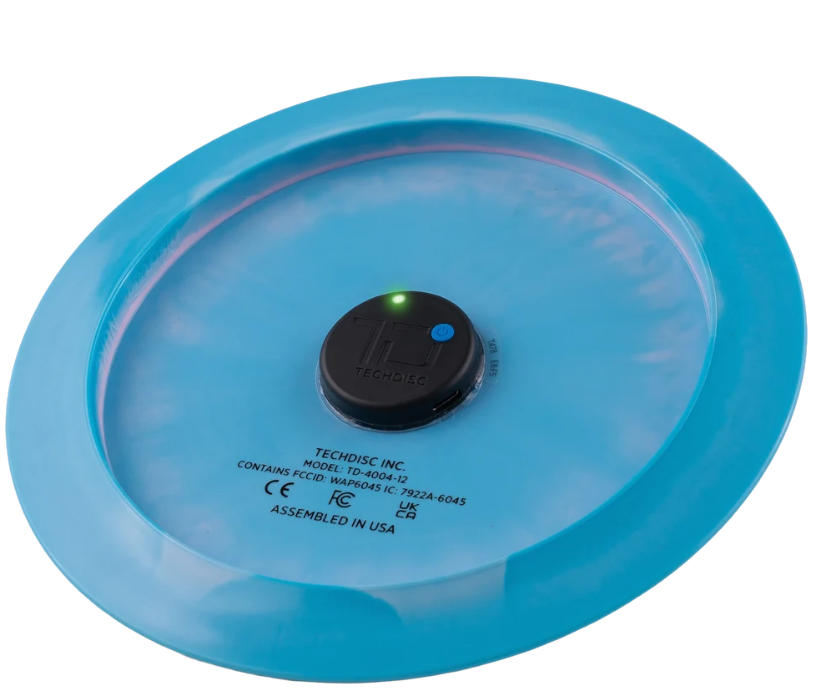
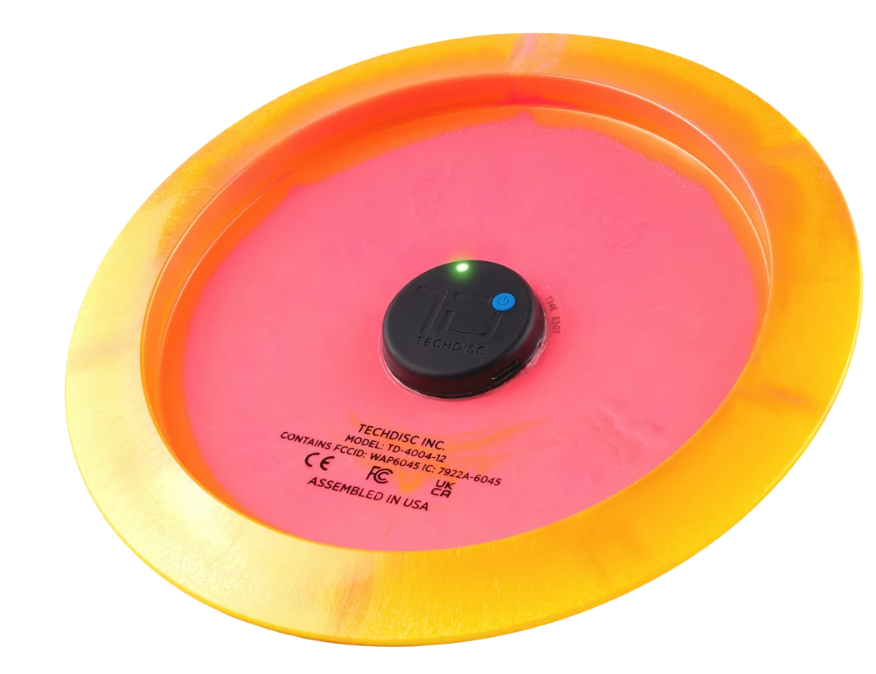
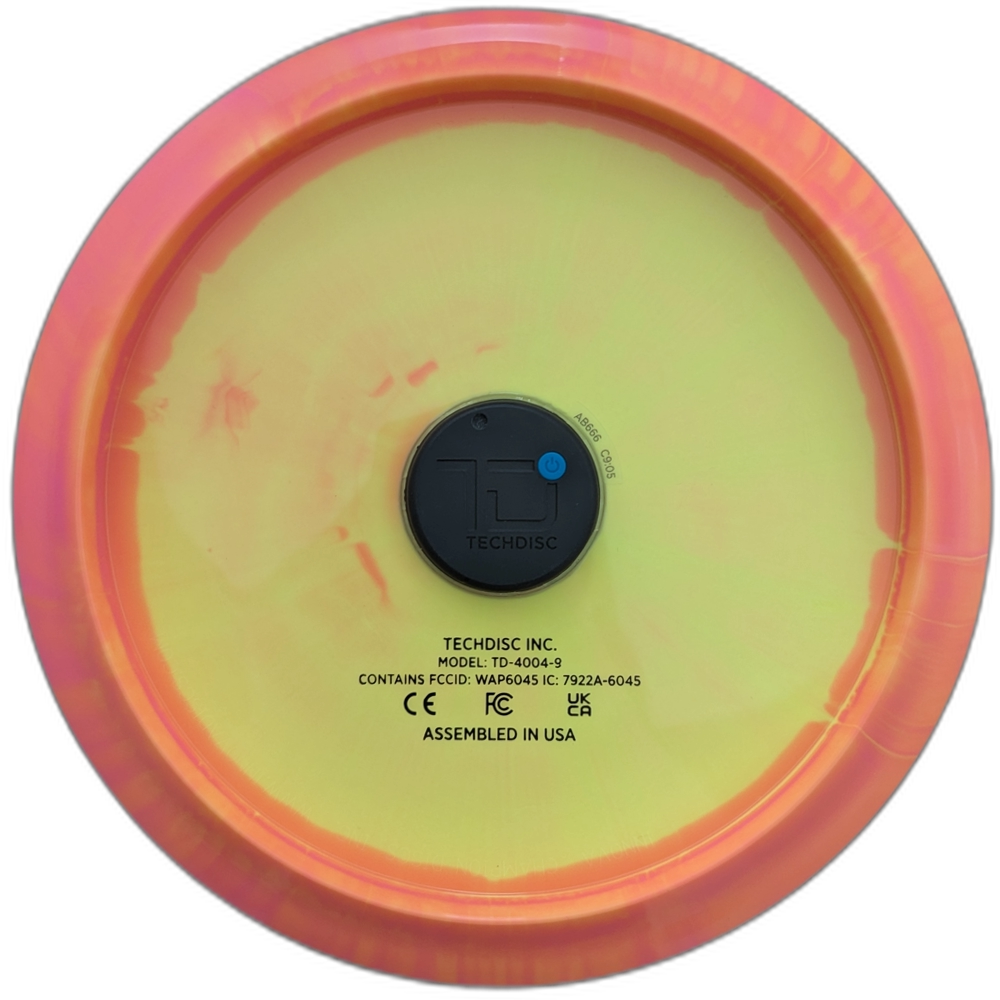
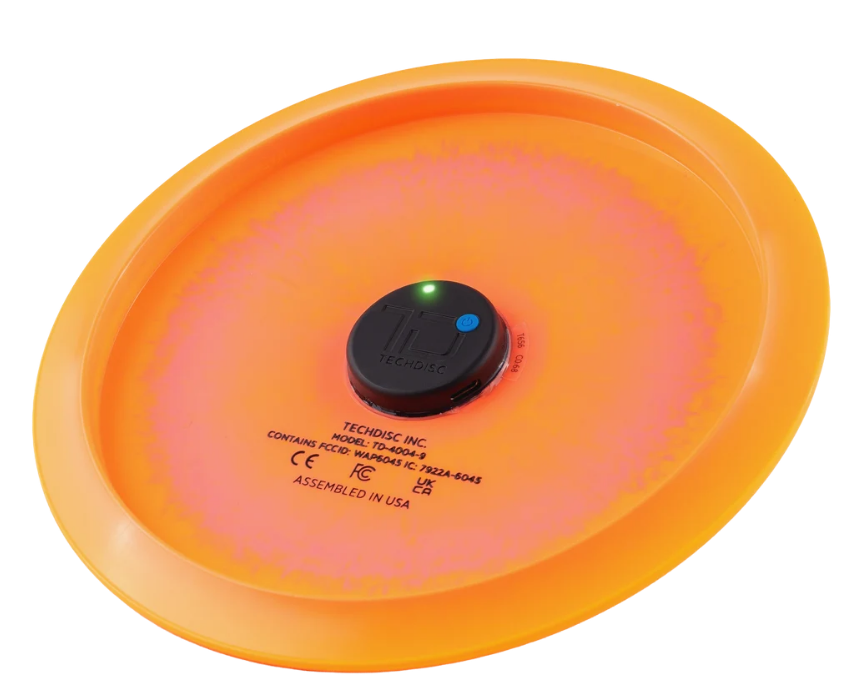
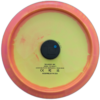
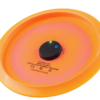
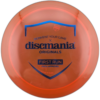
A TechDisc measures the forces and angles on your disc with a single throw to start elevating your game. Measure your Spin, Speed , Nose Angle, Hyzer angle, Launch angle and Wobble all at once with one throw into a net or in a field.
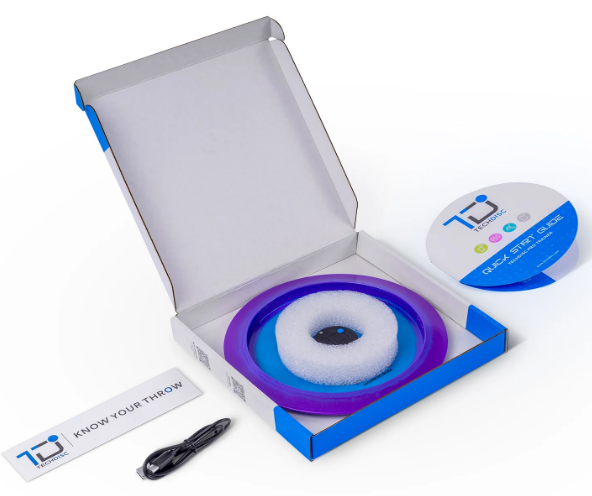
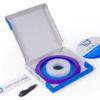
TechDisc is an innovative new tool to “Know Your Throw” with hardware and software designed by disc golfers to accelerate every athlete’s progression in the sport. Sensors in the centre of a golf disc measure the forces and angles put on a disc. The data is stored on the web app that determines the throw type and calculates 6 throw metrics and a simulated flight. TechDisc is a golf disc with sensors permanently attached. During assembly TechDisc calibrate the entire disc before shipping it out with a quickstart guide and USB-C charging cable. This is the best training tool on the market for Disc Golfers serious about improving.
Overview
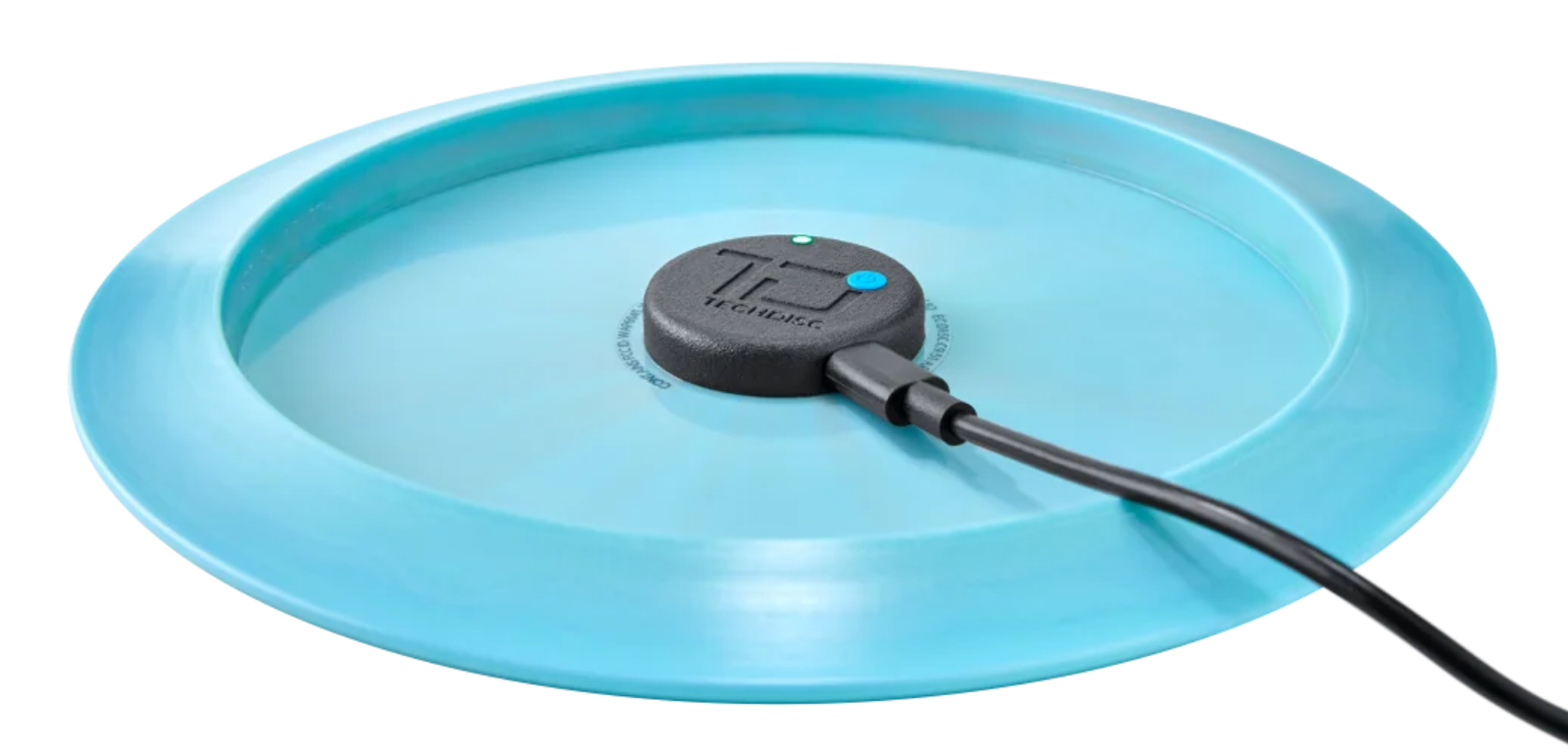
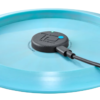
TechDisc is a small, sensor puck permanently attached to a golf disc and calibrated during assembly. The sensors capture the disc’s full motion data from start of the run-up through release. The sensor data is processed in the cloud to generate throw metrics.
The TechDisc sensor sits below the rim of the disc. During normal usage it never comes into contact with the ground or other objects. The sensor is water resistant, ready for any morning dew or a sudden rainstorm.
Each TechDisc comes with a 1 year full replacement warranty for manufacturing defects or failure due to normal usage in a net or field. The warranty does not cover throwing into a projector screen, hitting trees or a wall due to a missed or broken net, or rolling into a pool.
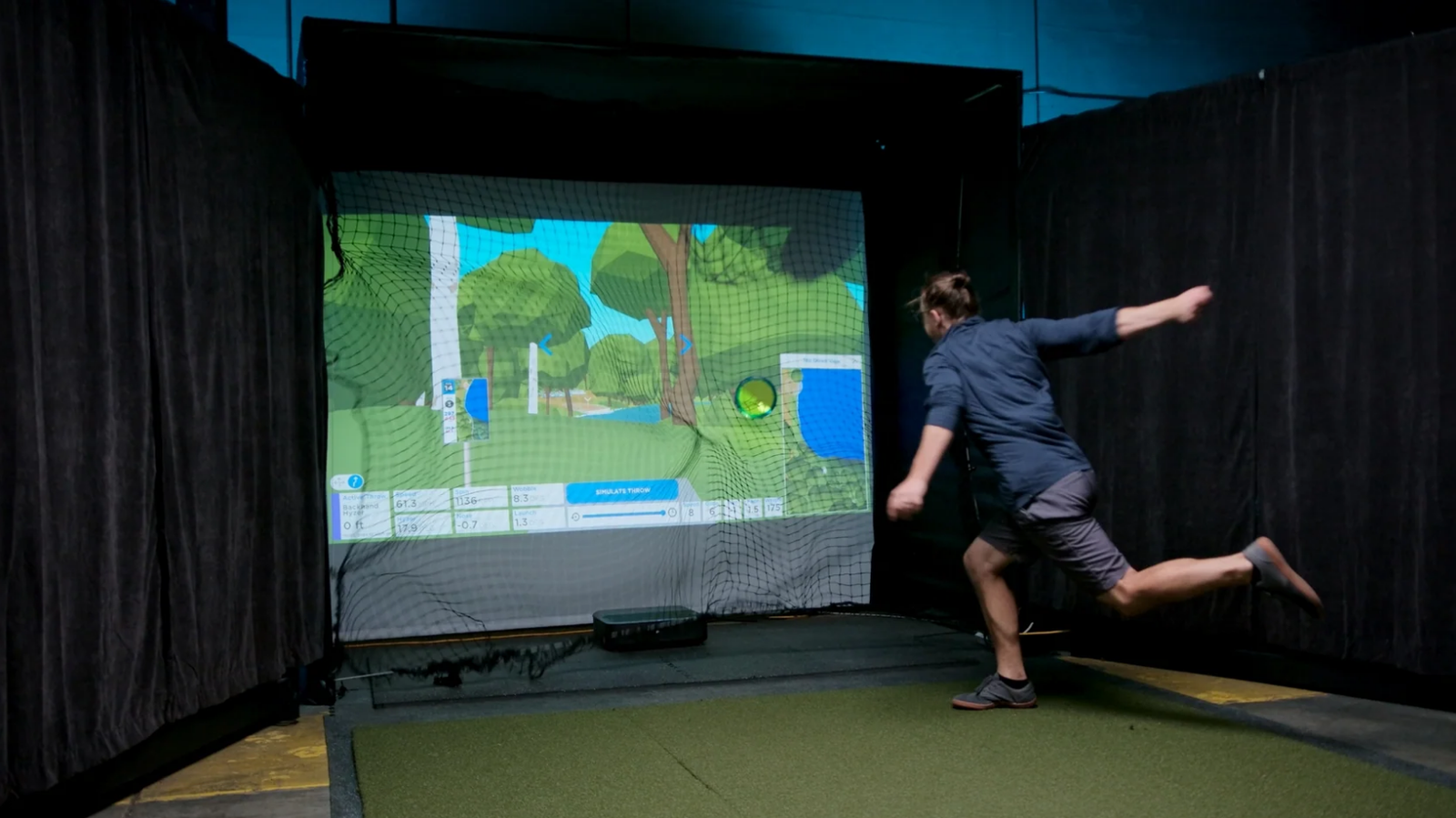
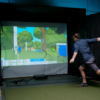
Apps for iOS, Android and web are free, including storing throw data. Additional features (such as playing Virtual Disc Golf in the comfort of your own home!) are available on paid tiers.
-
Throw in a Net
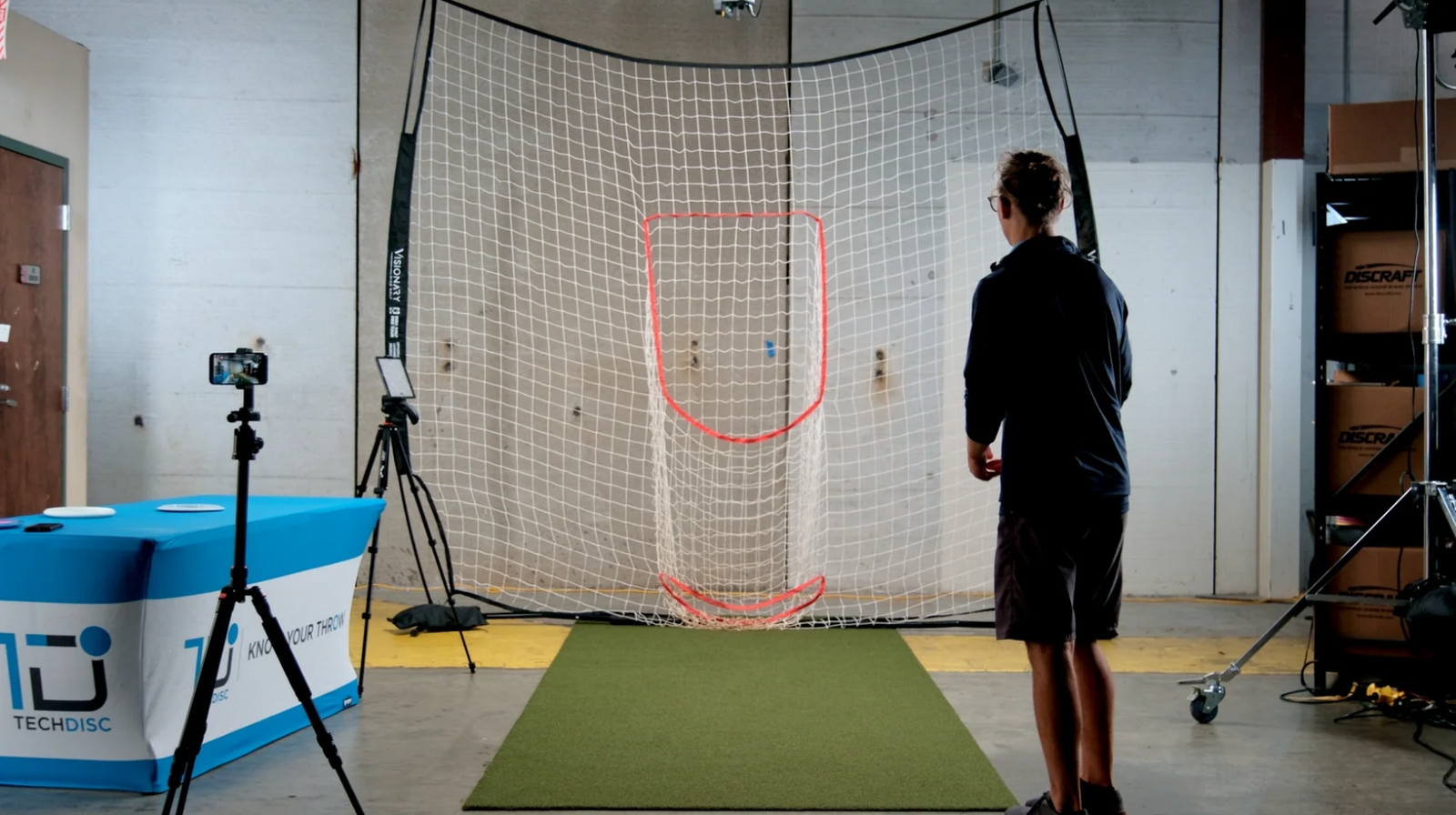
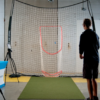
TechDisc needs less than 2 feet of free flight to capture enough data to generate your throw metrics. For best results, set a mark on the floor that ensures 2 feet or more of space between your fully extended throwing arm and the net.
Throwing into a net is ideal for quickly building up datasets and trying new techniques to see their effect on throw metrics.
-
Throw in a Field
TechDisc acts in under 1 second, and will usually transmit data back to your Bluetooth device before it flies out of range.
Throwing into a field is ideal for practicing consistency with a stack of similar discs. Work on your hyzer approaches and include a TechDisc in the stack of discs to measure the consistency of your hyzer angle, speed and spin.
Apps
iOS: TechDisc app in App Store requires iOS 16.0 or higher.
Android: TechDisc app in the Play store. Some Motorola devices or older phones may be incompatible.
Web: Use the Chrome browser and go to the TechDisc web app at www.techdisc.com. Computers may need an external BLE 5.0 adapter for best upload speeds.
All apps require an internet connection. BLE 5.0 or greater is required for the fastest upload speeds.
Tech Specs
Battery life: 3 hours continuous use
Battery: Internal Li-Ion rechargeable through USB-C (< 500 mA)
Charging: 2 hours to full charge
Connectivity: Bluetooth Low Energy, BLE 5.0 or greater required for best upload speeds. App requires internet connection during use
Range: 30 ft / 10 m
Final Disc Weight: 175 g (excluding Hybrid and Lightweight TechDisc)
Water Resistant (dew-proof, not dunk-proof)
Warranty: 1 year full replacement for manufacturing defect or failure due to normal usage in a net or field.
Disc Colour may vary (I won’t be opening other boxes so I’ve genuinely got no idea what colour they are).
| Weight | 300 g |
|---|---|
| Variations | Innova Fairway Driver (Halo Star TL3), Discraft Fairway Driver (ESP Cicada), Innova Distance Driver (Halo Star Destroyer), Discraft Distance Driver (ESP Nuke) |
Brand
TechDisc
Only logged in customers who have purchased this product may leave a review.
Related products






Reviews
There are no reviews yet.